DClipper – soft clipper
Diode-style saturation for VST3 & AU
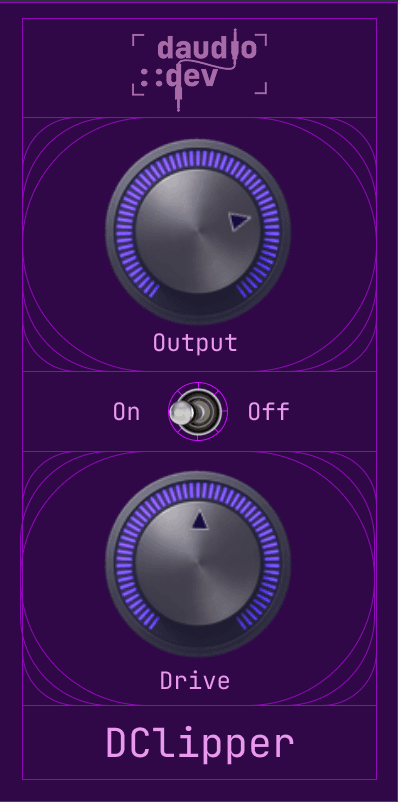
Push the signal into an asymmetric soft clip, smooth out the top end with a gentle low-pass, and keep everything oversampled for cleaner, more natural harmonics. Simple UI of two knobs and one switch.
Loading…
What it does
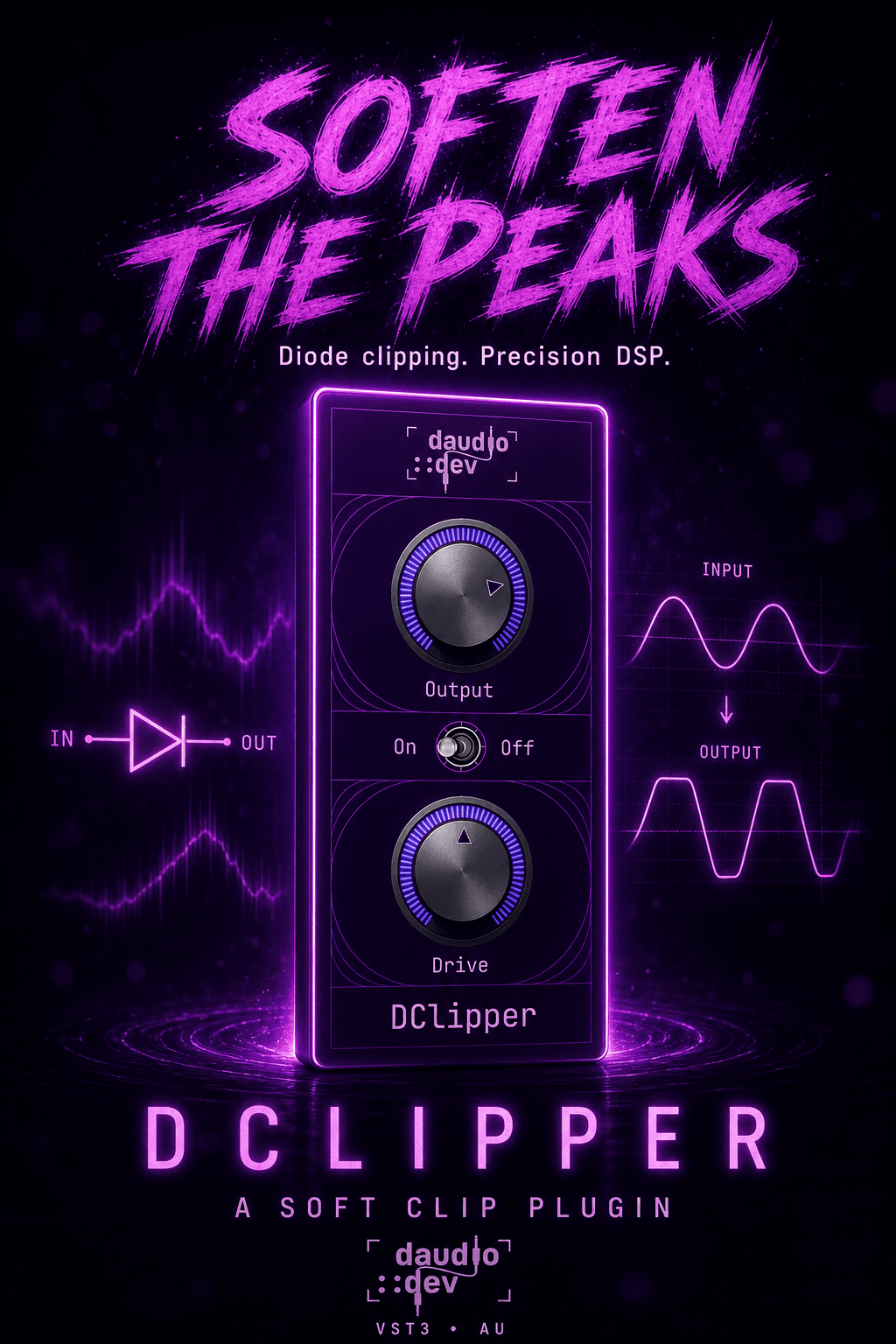
DClipper takes dry audio through a short, focused clip chain that includes drive, soft diode-style saturation, DC cleanup, and a smooth high-end filter then hands you Output for level matching.
Drive gain
Pushes the signal into the clipper (~1×–16×)
4× oversampling
Anti-aliases the harmonics when you dig in
Diode soft clip
Asymmetry + polynomial soft clip + soft ceiling (no hard digital clamp)
DC blocker
Keeps the clipped signal centered
Analog-style LPF
Gentle ~15 kHz rolloff for a smoother top end
Makeup + Output
Drive-linked makeup, then your Output level
Controls
| Control | What it does |
|---|---|
| Output | Final output level (−24 to +12 dB). Match against bypass for a fair A/B. |
| On / Off | Engages or bypasses the clipper with a smooth wet/dry fade — no clicks. |
| Drive | How hard you hit the clipper (0–1, default noon). Higher Drive also adds mild automatic makeup (up to about +3.5 dB). |
Tips
- 01Start with Drive around noon and Output at 0 dB, then nudge Output to match bypass.
- 02Use moderate Drive as a transparent peak softener; push it for obvious grit and edge.
- 03On buses, keep Drive lower and use Output to sit the clipped signal in the mix.
- 04On guitar or synth leads, higher Drive + a touch of Output cut can thicken without a full fuzz.
- 05Flip On/Off while looping a phrase — the smooth bypass makes A/Bing easy.
System requirements
- macOS 11 or later
- Windows 10 or later
- Apple Silicon or Intel
- Any DAW that supports VST3 (AU on macOS)
Installation
From the DMG installer (recommended)
- Open
DClipper-<version>-Installer.dmg - Double-click Install DClipper.pkg
- Restart your DAW and rescan plugins
Installs to
- /Library/Audio/Plug-Ins/VST3/DClipper.vst3
- /Library/Audio/Plug-Ins/Components/DClipper.component
Licensing
DClipper uses online license activation. On first launch you will be prompted to enter your license key. The plugin UI is unlocked once a valid license is activated.
Need help? Contact support
Frequently asked questions
Explore more
Get DClipper
Lifetime license · VST3 & AU · macOS & Windows · €29